An AI Children's Book Built Around Their Name
You already said the name out loud until it felt right. Now give it a story of its own with an AI children's book tool built for exactly this.
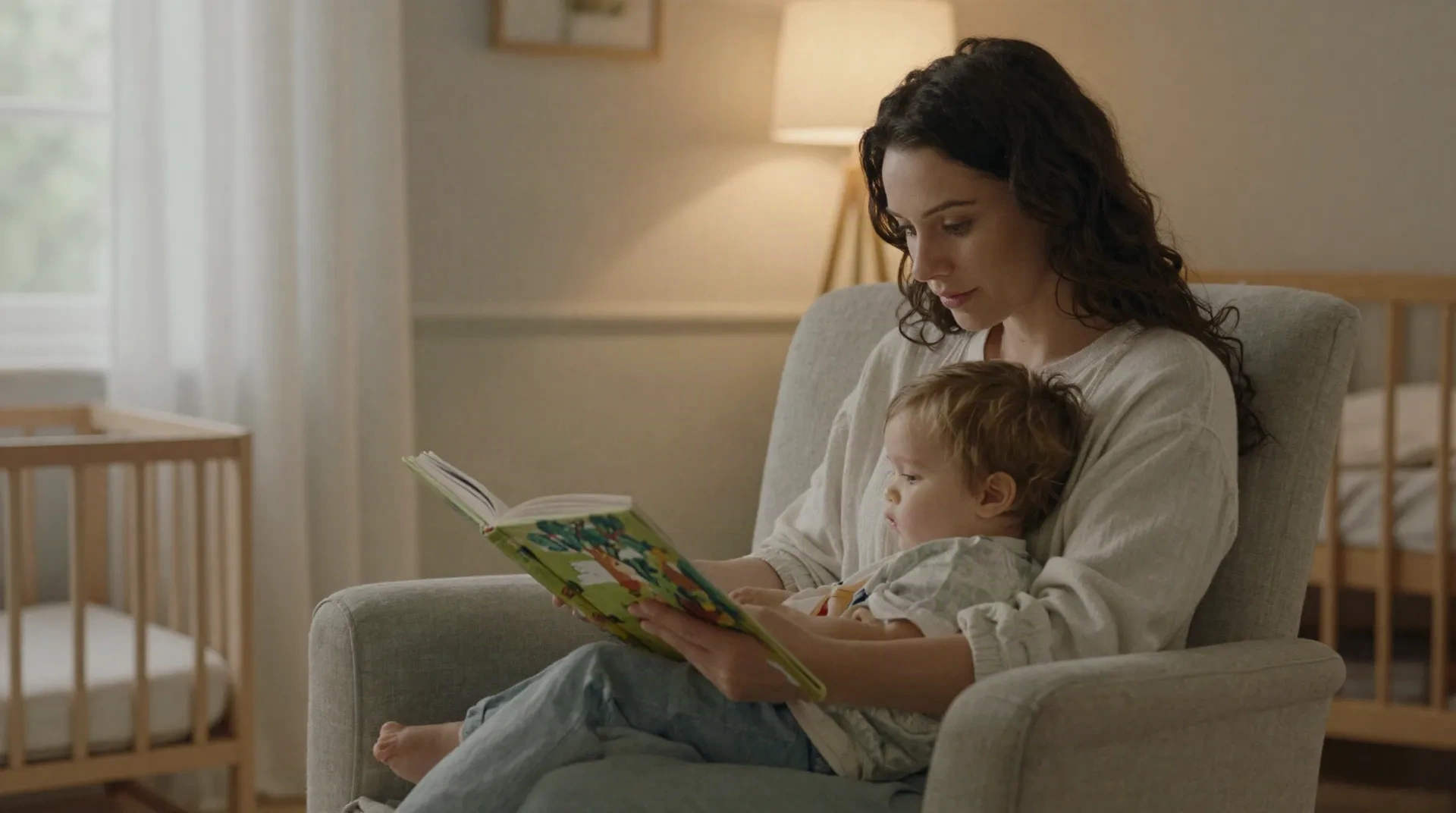
What actually matters in an AI children's book
Not every tool treats the name, the art, or the story the same way. Here is what to check before picking one.
Their name, not a sticker
The name becomes the main character inside the story, spoken on the page, not just printed on a cover template.
One character, every page
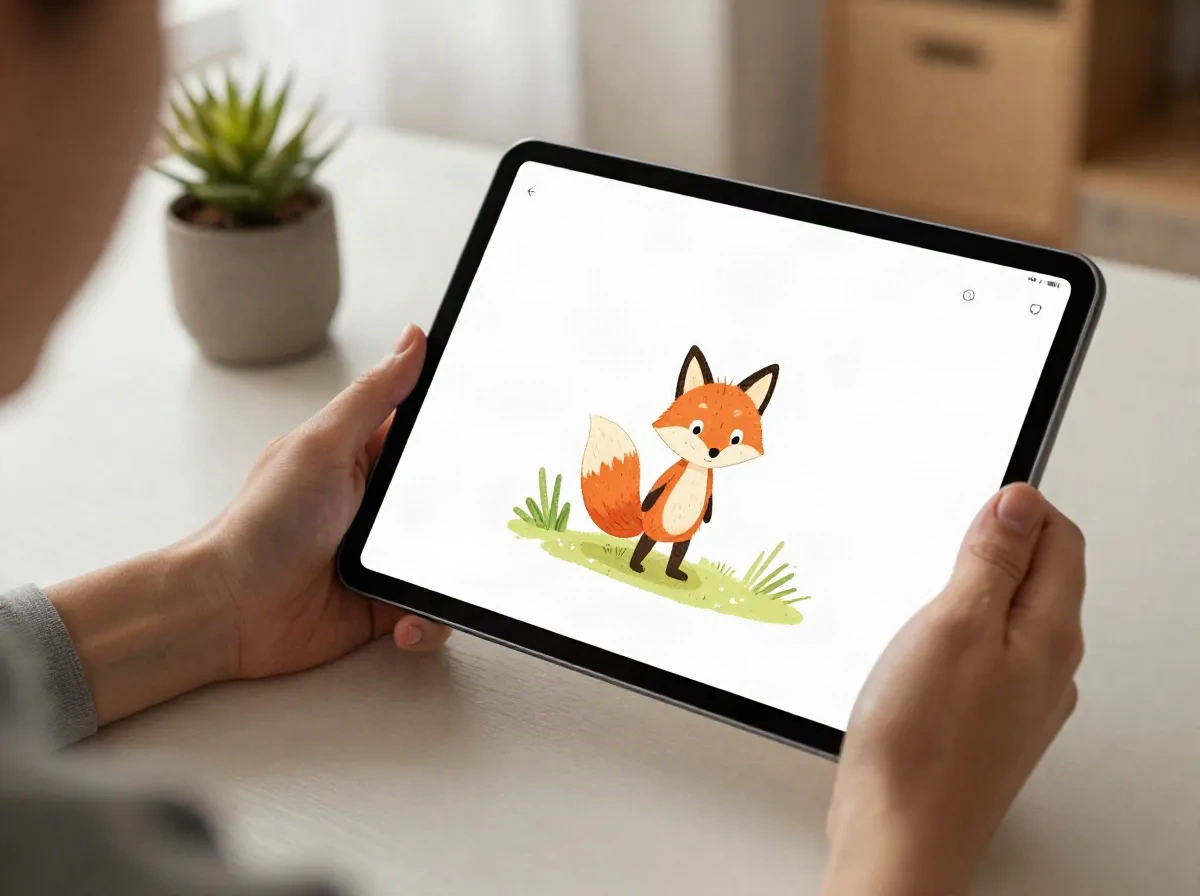
The same illustrated character carries through the whole book, so the fox on page two is still the fox on page twelve.
Plain-language editing
Change a line, a color, or a detail by typing a request. No design software, no learning curve.
Read-aloud narration
Add a narrated voice for nap time, car rides, or a grandparent joining by video call from another country.
A real, printable book
Export the finished story as a printable keepsake, not only a file that lives on a screen.
Minutes, not months
A first draft comes together in minutes, so the idea does not sit in a notes app until it is forgotten.
From the name you picked to a story you can read tonight
Five steps, most of them typed rather than drawn.
-
1
Start with the name
Use the name you have already chosen, or one from the shortlist you are still testing out loud.
-
2
Choose the look
Pick from a range of illustration styles, soft watercolor, bold cut-paper, warm pastel, so the book matches the nursery instead of a generic template.
-
3
Let the AI draft the story
Give it a short setting and a tone, then let the tool write and illustrate a first draft in minutes.
-
4
Edit what does not fit
Swap a line, change a color, add a sibling's name. Natural-language editing means describing the change instead of opening a design program.
-
5
Read it, print it, or send it
Read it aloud that night, export a printable copy for the shelf, or share the video version with family who live far away.
Personalizing this feels more like storytelling than software
You will not need a design background or a stack of open tabs. Type a plain note, make the fox a little smaller, add a second bunny, and the illustration updates while the rest of the story holds its shape. It is built for a parent on their phone after bedtime, not a professional illustrator at a desk.
- 60-plus illustration styles to match your own taste
- Natural-language edits instead of a design tool to learn
- The main character stays consistent from the first page to the last
A keepsake that gets asked for by name
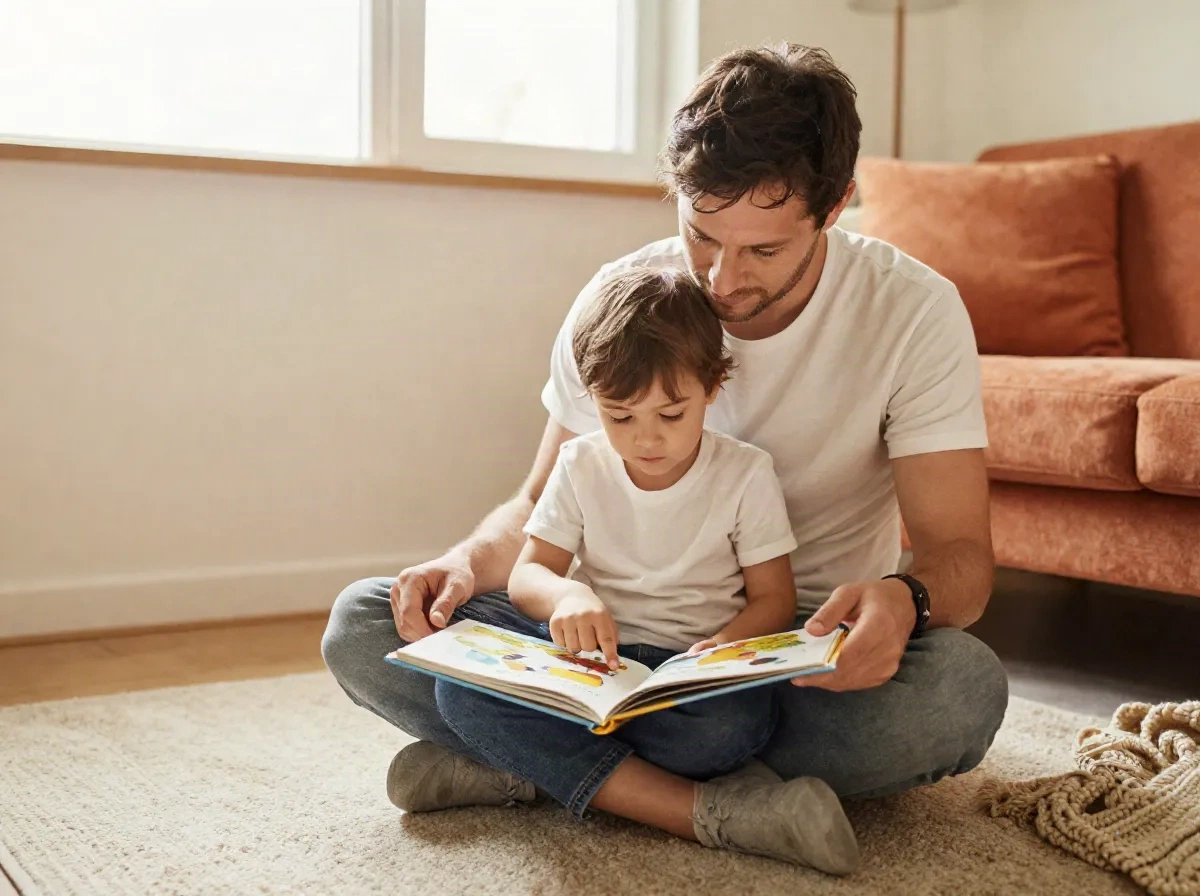
A printed storybook with their name in it does not get outgrown the way a onesie does. It sits on the shelf, comes down at bedtime, and turns into the one book your child points at and asks for, by name, before they can read a single word themselves.
- Works well as a baby shower or birth announcement gift
- A keepsake for grandparents who live too far away for bedtime stories in person
- Some parents export it as a printable book to gift more widely, entirely optional
Writing it yourself vs an AI children's book tool
Both routes work. Here is where they actually differ.
| Feature | Writing it yourself | ReadKidz |
|---|---|---|
| Time to a finished first draft | Days to weeks, depending on your evenings | Minutes, with editing after |
| Illustration consistency across pages | Depends on your own drawing skill or a hired illustrator | Automatic, using the same character reference in every scene |
| Design skill required | Helpful if you already have it | None. Edits are typed instructions |
| Cost | Free, but costs your evenings | Free for the first month through our link, then a monthly plan |
| Print-ready export | You format it yourself | Built into the tool |
What parents ask before trying an AI children's book
Is an AI children's book actually personal, or does it just insert a name into a template?
Is it safe to use my child's real name and likeness?
How long does making one book actually take?
Can grandparents who live far away read it too?
Does the illustration style stay the same throughout the book?
What does it cost after the free trial?
Can I print the finished book, or is it only digital?
Give the name you chose a story to live in
Start free with ReadKidz and see the first illustrated page in minutes, no design experience required.