Baby Name Apps Compared: 5 Options for Couples in 2026
Summary
Name apps for baby names fall into three jobs: swiping with a partner, finding names similar to one you love, and checking an origin. We compare five options on price, platforms, partner matching and detail, using official pages and App Store listings checked on 7 October 2026. BabyCenter's free app wins for couples who need to agree, while Nameberry, The Bump, Nameling and Behind the Name each fit a narrower moment.
Short answer. For most couples, BabyCenter's free app is the best of the name apps compared here: a personal code links two phones, and you only see the names you both liked. Nameberry holds the richest library, but its app is new and mixed in reviews. The Bump adds strong filters, Nameling finds near-matches to one favorite, and Behind the Name checks meaning.
What a name app has to do well
A good name app does one thing quietly: it makes the conversation between two people easier. It should show you a name, let you react in a second, and keep your reactions private until your partner has reacted too.
That sounds simple. In practice, three things get in the way. The pool of names can be narrow, the same name can appear in four spellings, and the meaning is sometimes missing just when you want it.
Before you download anything, decide which problem you have. If you disagree, you need matching. If you agree on a style but not a name, you need discovery. If you agree on a name but not on what it means, you need a reference. The five products here map onto those three needs.
Swipe and match: BabyCenter, Nameberry and The Bump
All three of these let two people react separately and then compare. They differ in price, in how much they tell you about each name, and in how settled the product feels.
BabyCenter has the longest track record. Its standalone iPhone and iPad app is free, rates 4.5 from about 7,200 App Store ratings, and lets you add your baby's last name so the full name appears on the card. Linking a partner uses a personal code. Reviewers like the simple flow. They also report repeated names, spelling variants counted separately, and a pool that leans English and Irish. Worth saying aloud: if your shortlist is mostly Scandinavian or Hebrew names, check the pool first.
Nameberry brings the biggest library to the party. Its home page lists 100,000+ names, 2,000+ curated lists and a community of 128k members, and each name in the app links to origin, meaning and a popularity rank. The app costs $4.99 once, with unlimited Naming Partners. The catch is maturity. At the time of checking it had 2.6 stars from 37 ratings, with reviewers describing loading bugs and no search. The store description mentions 50 free swipes while the latest release notes raise the limit to 1,000, so confirm the number before you rely on it.
The Bump takes a different route. Its Baby Name Matcher is a swipe tool on the website, and its own announcement says that after 20 cards it starts recommending names. You can pair two accounts and see matches. The page labels the Matcher as Beta and you need a free account. Where The Bump stands out is the filter set on its main names page: gender, 1 to 8 syllables, style, origin and meaning.
When one name is already in your head: Nameling
Sometimes the problem is not volume, it is direction. You have one name that keeps coming back, and you want its cousins. Nameling answers exactly that. Type a name, receive the ten most similar, and save favorites if you accept data storage.
It is small by design. About 26,000 names are loaded, and there are no meanings on the results. Treat it as a spark for your list, then carry the candidates to a reference page.
Before you commit: Behind the Name
Behind the Name is not a swipe app, and it does not pretend to be. It is a reference site by Mike Campbell covering the etymology and history of first names, with popularity lists drawn from about 30 national sources and message boards for discussion.
Open it after a swipe session, not instead of one. A name that seemed to mean one thing in an app card may have a more layered history, and the entries link related forms across languages.
A composite example
Picture a couple, call them Inès and Tom, who disagree about nearly everything except the number of syllables. They start on BabyCenter, because it is free and takes five minutes to link. After a week they have eleven matches, and four look similar. They type the favorite into Nameling to see its relatives, then paste two candidates into Behind the Name and discover one has a meaning neither of them expected.
That is a made-up couple, but the sequence is real enough: match first, widen second, check third. No single product covers all three, which is why this page is a map rather than a single winner.
How we compared, and what we could not check
We read official pages and store listings, we compared published prices and features, and we noted what public reviews repeat. We did not install and use each product for weeks, so claims about how well the recommendations learn come from what the products and their reviewers say, not from our own timing.
Two cautions apply. App Store ratings for new apps swing widely with few reviews, and the Nameberry app is the clearest case. And features change: the Nameberry free-swipe limit already differs between the store text and the release notes.
What to check before you pay or share data
If an app asks for $4.99, open the free tier first and see whether the pool of names fits your style. If you plan to link a partner, read the privacy label. BabyCenter's declares that some data may be used to track you across other companies' apps and websites, while Nameberry's app declares email address and user ID linked to you. Neither is unusual for a consumer app, but you should know it.
Finally, give yourself a stop rule. Once you have five matches, close the app and say each name out loud, with the surname, in the voice you would use across a playground. The name that keeps coming back is usually the one.
Swipe and match with your partner
For couples who want to compare gut reactions without a debate.
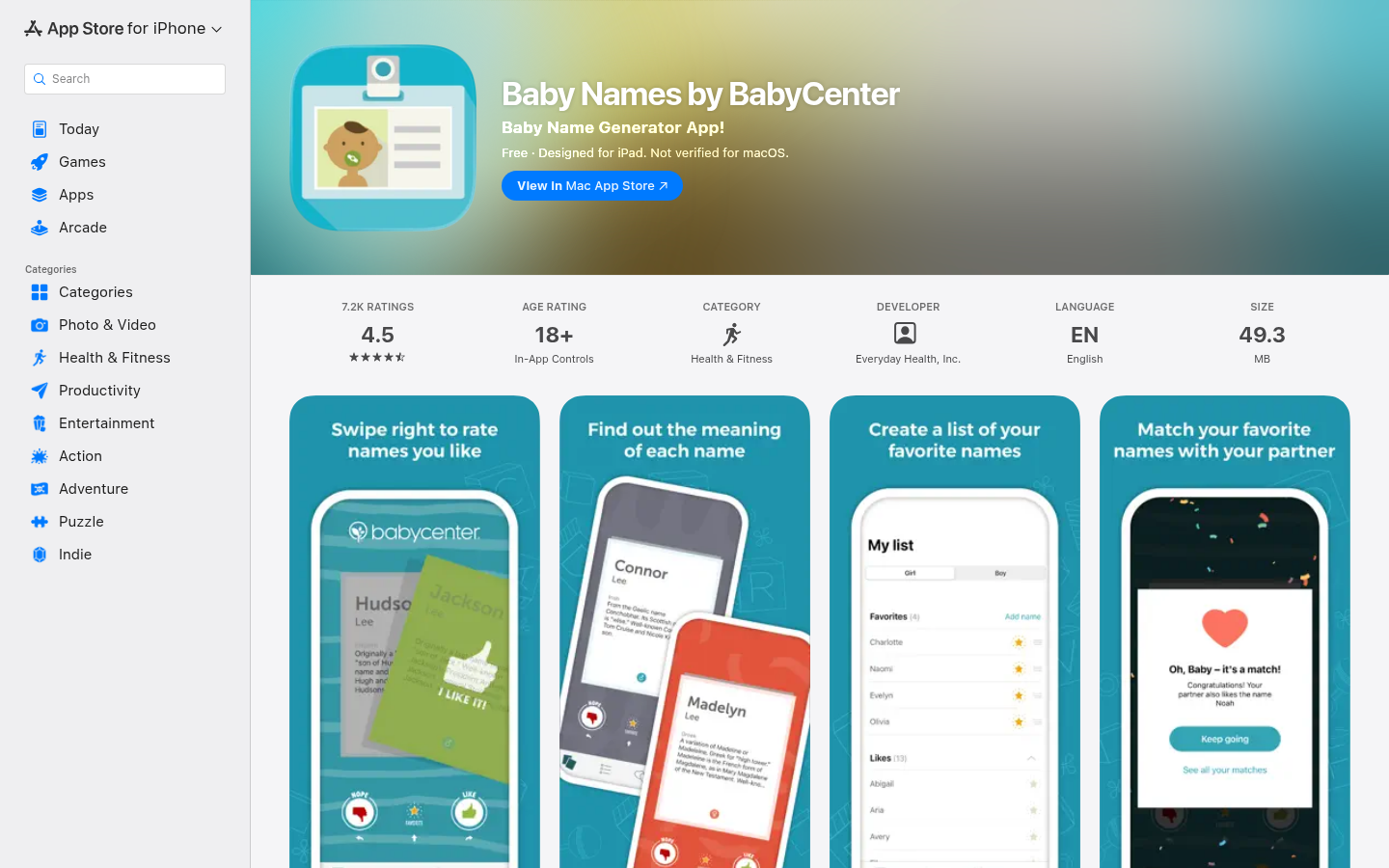
BabyCenter Baby Names
- Free, with a personal code to link your partner and see only shared likes
- Add your baby's last name to hear how the full name sounds
- The best-established swipe app here: 4.5 stars from about 7,200 App Store ratings
- You can add a name of your own to your list when the app does not show it
- Reviewers report repeated names and spelling variants showing up as separate cards
- App Store reviewers describe a heavy English and Irish skew in the name pool
- Contains advertising, and the privacy label lists data used to track you across other companies' apps
- English only, and iPhone or iPad only for the standalone app
The safest first download if the goal is simply to find the names you both like.
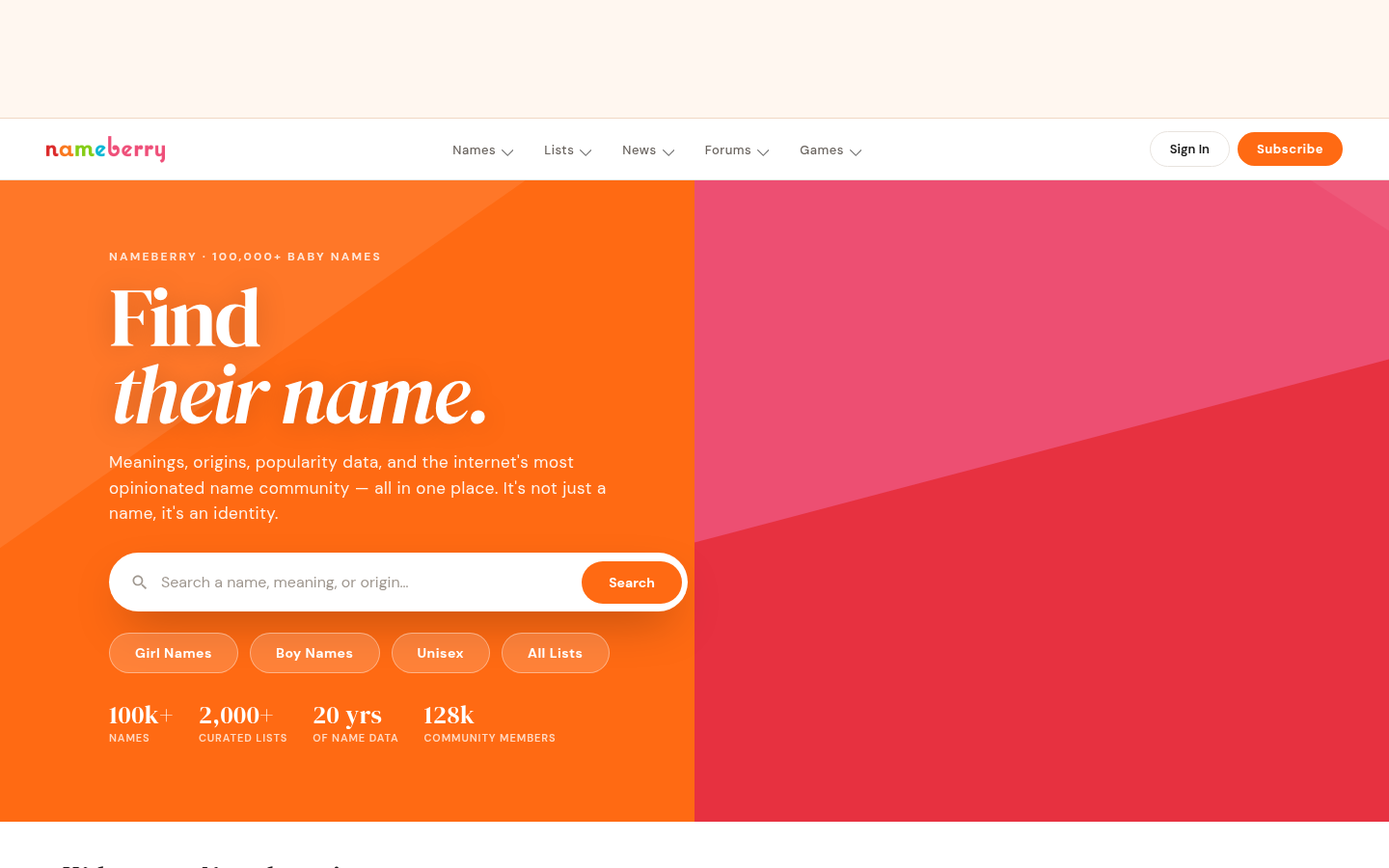
Nameberry
- Every name links to origin, meaning and a popularity ranking
- Unlimited Naming Partners, so friends and family can swipe too
- The website adds 2,000+ curated lists and a forum of 128k members
- One-time $4.99 price with no subscription for the app
- The app is new: 2.6 stars from 37 App Store ratings, with reviews about loading bugs
- Reviewers say it has no search and that early swipes lean towards very unusual names
- Store text and release notes disagree on the free swipe limit (50 versus 1,000)
- The app is paid, while the main US competitor app is free
Use the website today, and treat the app as promising but still settling in.
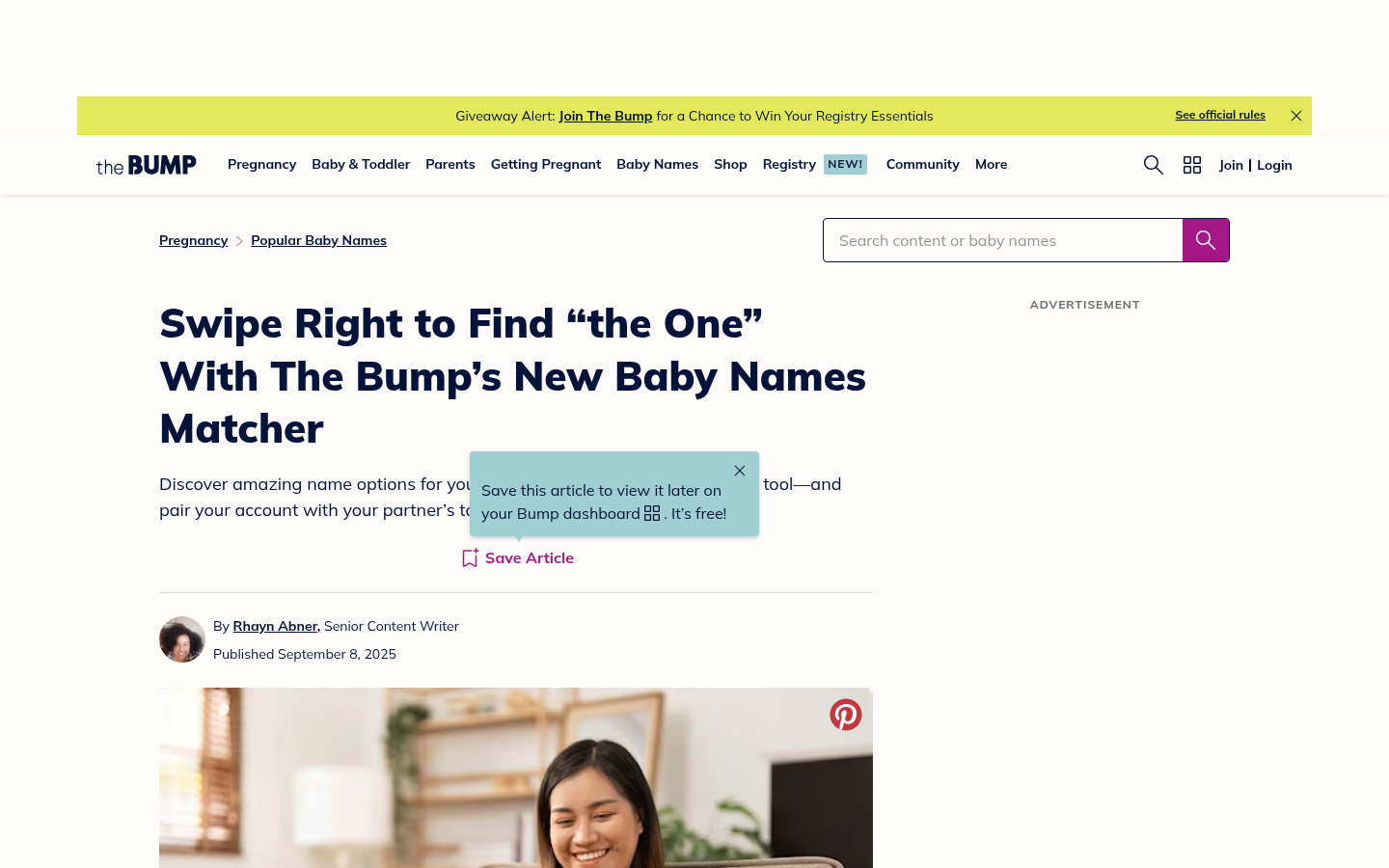
The Bump Baby Names Finder
- Web filters for gender, syllable count (1 to 8), style, origin and meaning
- Matcher cards show spelling, meaning, origin and the sex a name is most often used for
- After 20 cards the Matcher starts recommending names, and partner accounts can be paired
- Extra tools: name generator, a This or That game, a middle name generator
- The Matcher carries a Beta label on its page and needs a free account
- It lives on the website, so there is no confirmed standalone swipe app
- Pages carry advertising and a sign-up pop-up before you can browse comfortably
- Depth of etymology is lighter than a dedicated reference site
A solid free pick when you want to filter hard and swipe on a laptop.
Start from a name you already love
For the moment one name keeps coming back and you want its relatives.
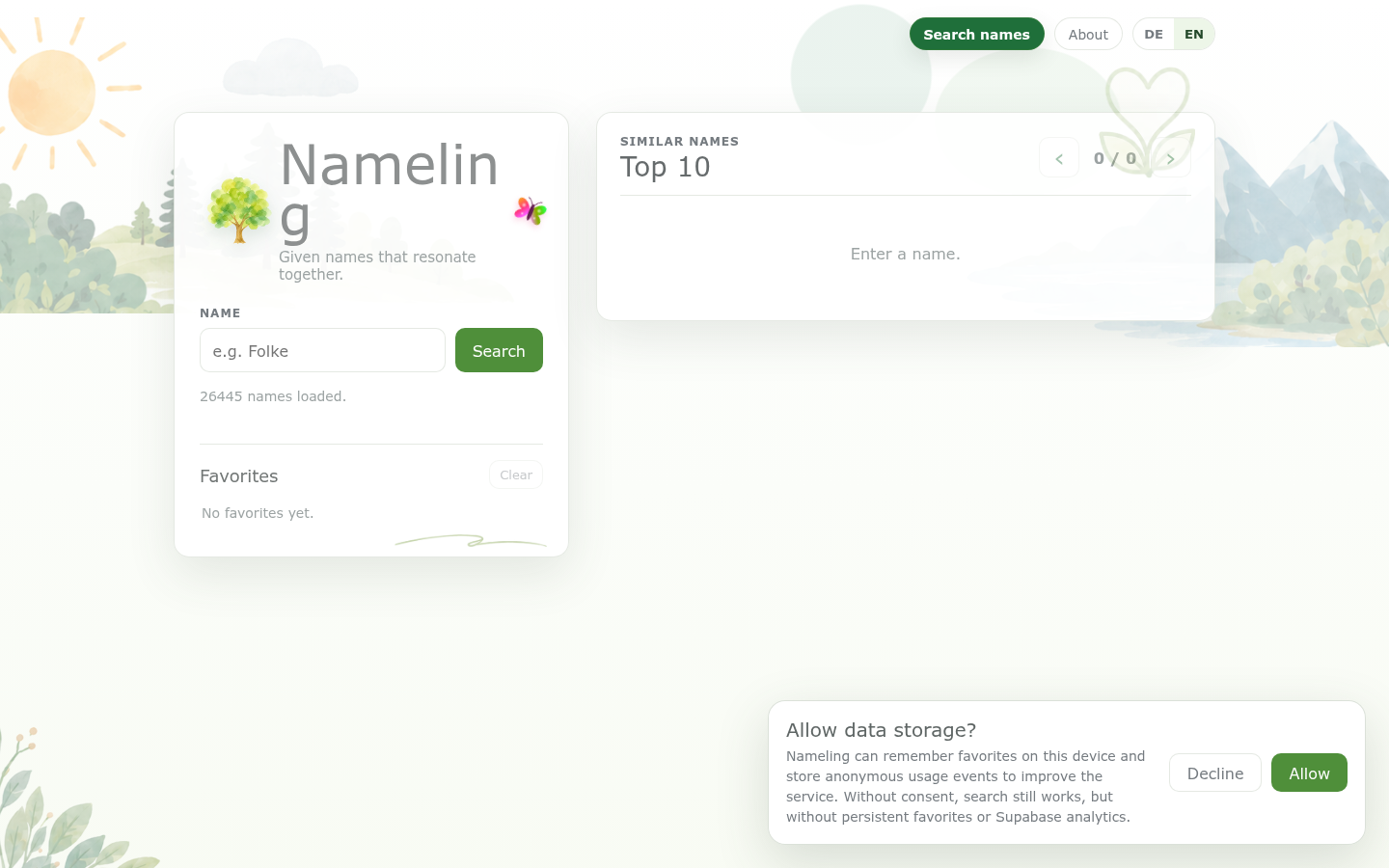
Nameling
- Type one name, get the 10 most similar, with an average similarity metric
- Free, with no account required
- Favorites are saved on your device only if you accept data storage
- Quick: a single search box and about 26,000 names loaded
- No meanings or origins on the results, so you need another tab
- Smaller name pool than the big commercial databases
- No partner mode, so shortlists stay on one device
- A small independent project, so updates and support are less predictable
A neat shortcut when one name keeps coming back and you want its cousins.
Check the origin before you commit
For the second look, once a shortlist exists.
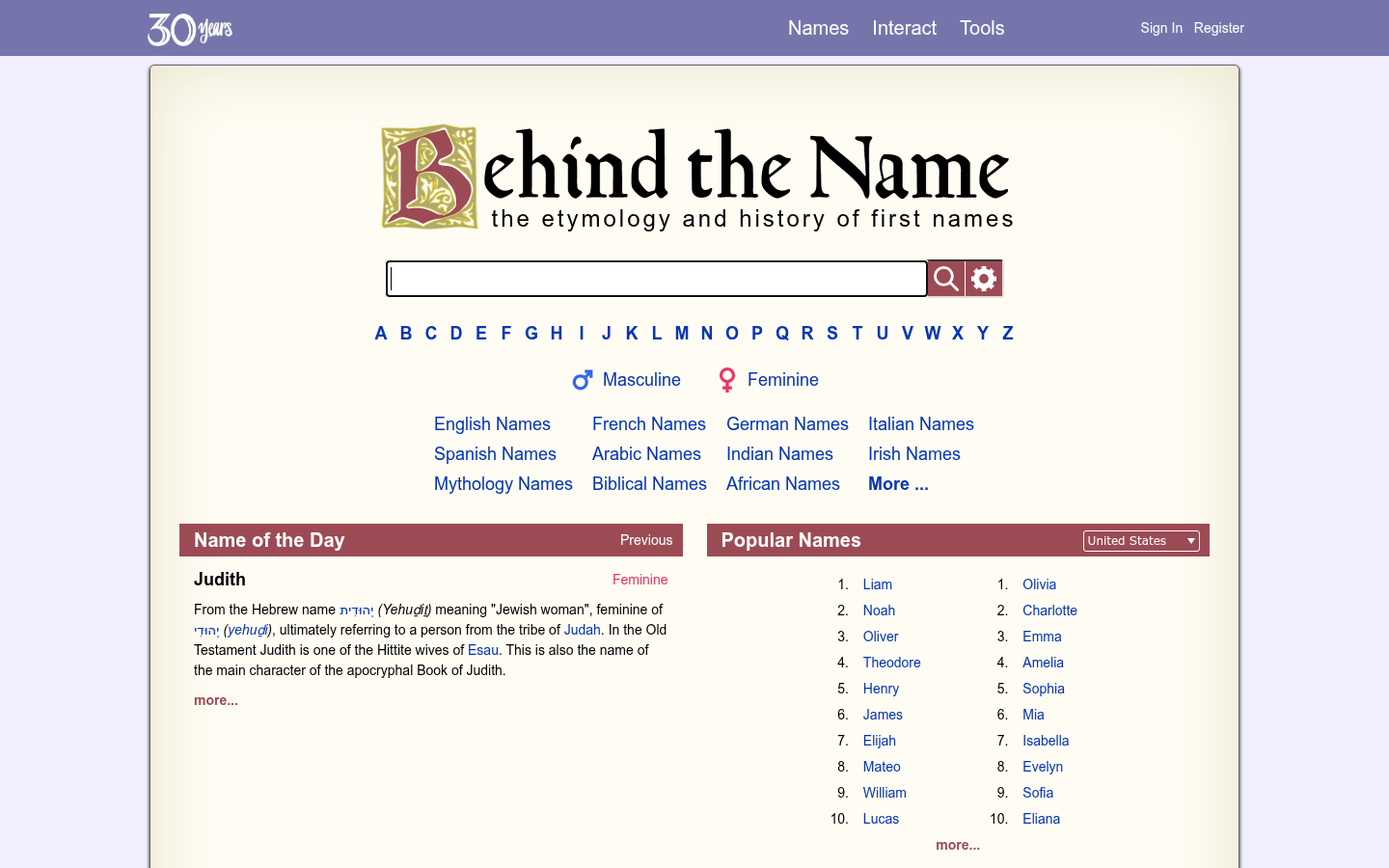
Behind the Name
- Etymology written by a single long-time editor, Mike Campbell, with linked variants
- Popularity lists drawn from about 30 national sources, from the US to Denmark and Turkey
- Message boards and a random namer for when you want a nudge
- Free to browse with no swipe limits
- No swipe mode and no partner matching, so it will not settle a disagreement
- A reference layout, not a browse-by-vibe experience
- Mythological and fictional names sit next to usable ones, so you filter yourself
- Website only, no official app found on its home page
Not a swipe app, but the page you open after a swipe app gives you a shortlist.
Verdict
BabyCenter's free app is the easiest place to begin if two people need to agree, because the partner code and shared matches work without a payment. Nameberry has the deeper library but its new app is still earning trust. The Bump suits anyone who wants filters, Nameling helps when you already have one favorite, and Behind the Name settles questions about meaning.
How we tested
This is a documentation-based comparison, not a hands-on test. We read each product's official page and, for apps, its US App Store listing, release notes and published ratings, all checked on 7 October 2026. We did not run month-long trials, so we make no claim about long-term accuracy of recommendations. Store ratings are quoted as shown and will move. Scores out of 5 combine price, partner matching, name detail, openness about data and what users report in public reviews. We have no affiliate arrangement with any product listed. bundleofjoy publishes its own naming tool, and we left it out so this page stays about other options.